Calculator Plus1.36
Publisher Description
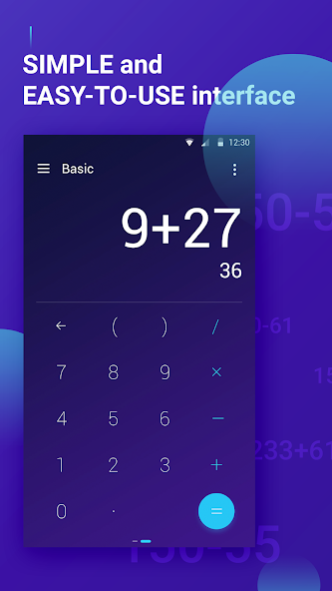
Calculator Plus is a free, lightweight, clean and easy to use calculator. Featuring a variety of functions, packed in with a highly customizable and fashion design.
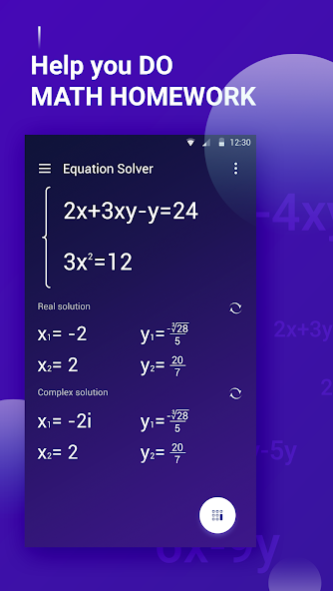
Download this calculator, mathematics will no longer be boring. Your work will be much better and more efficient than using traditional calculators. Not only does it help you with everyday calculations, it can also solve more complex scientific problems, even solving equations. More surprisingly, Calculator Plus can give you the answer of any math question by simply taking a photo of it!
Calculator Plus will be your competent computing assistant, and all this is for FREE!
Perfect Support Performance:
√Perfectly support Samsung Galaxy S8, S8 edge, S7, S7 edge, HUAWEI P10, LG Nexus 5X etc.
√Perfectly support Android 7.1, 8.0
Key feature:
√Standard calculator, simple but perfect
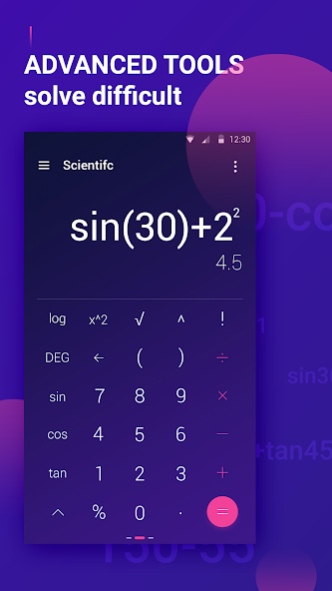
√Scientific calculator
√Equation solver
…
Features details:
- Can easily carry out the four simple mathematical operations, with no extra buttons to interfere with your work
- Swipe left on the keyboard to use trigonometric, square root, and other scientific computing functions to help you solve difficult problems
- Can display calculation results in real time on the screen and track operational processes at all times
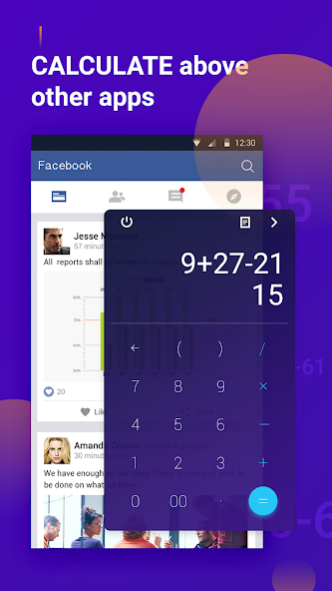
- The built-in floating window function allows it to stay at the top of the screen, so calculation no longer requires frequent switching between apps.
- Enter the equations and he will tell you the answer. Amazing!
- Swipe downward on the screen to view history; every calculation of yours will automatically be saved for you
- Using the unique formula-editing function, you can easily modify any content of your formula
- With a number of options for copying, so you can easily copy formulas or calculation results to other applications
- Smart percent sign operation that makes discount and tax calculations more convenient and faster
About Calculator Plus
The company that develops Calculator Plus is Video Editor & Video Maker Dev. The latest version released by its developer is 1.36.
To install Calculator Plus on your Android device, just click the green Continue To App button above to start the installation process. The app is listed on our website since 2019-04-25 and was downloaded 3 times. We have already checked if the download link is safe, however for your own protection we recommend that you scan the downloaded app with your antivirus. Your antivirus may detect the Calculator Plus as malware as malware if the download link to com.calculator.scientific.pro is broken.
How to install Calculator Plus on your Android device:
- Click on the Continue To App button on our website. This will redirect you to Google Play.
- Once the Calculator Plus is shown in the Google Play listing of your Android device, you can start its download and installation. Tap on the Install button located below the search bar and to the right of the app icon.
- A pop-up window with the permissions required by Calculator Plus will be shown. Click on Accept to continue the process.
- Calculator Plus will be downloaded onto your device, displaying a progress. Once the download completes, the installation will start and you'll get a notification after the installation is finished.
Program Details
System requirements
Download information
Pricing
Version History
version 1.36
posted on 2019-04-25
Bugs Fixed
